Lens Elements
Adjust optical elements, curvature, spacing, and glass behavior in real time.
Trusted in production by several of the world's leading film and VFX studios.
OpenFX



built for production hosts
Hybrid
GPU and CPU rendering
OS support
Windows · Rocky Linux · macOS
Flares, Rebuilt
Physically based lens flares for artists, teams, and production pipelines.
Rendered, not photographed
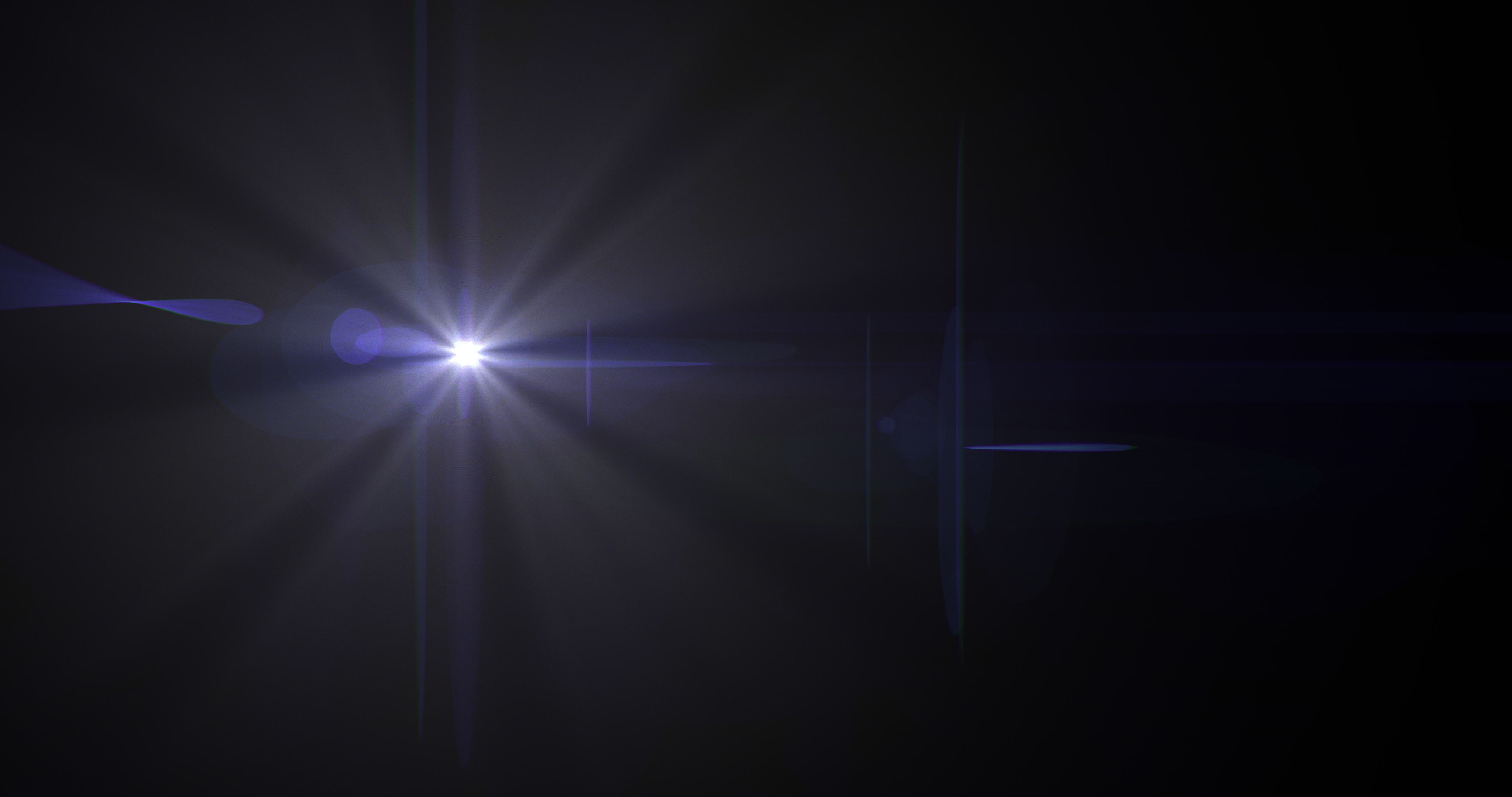
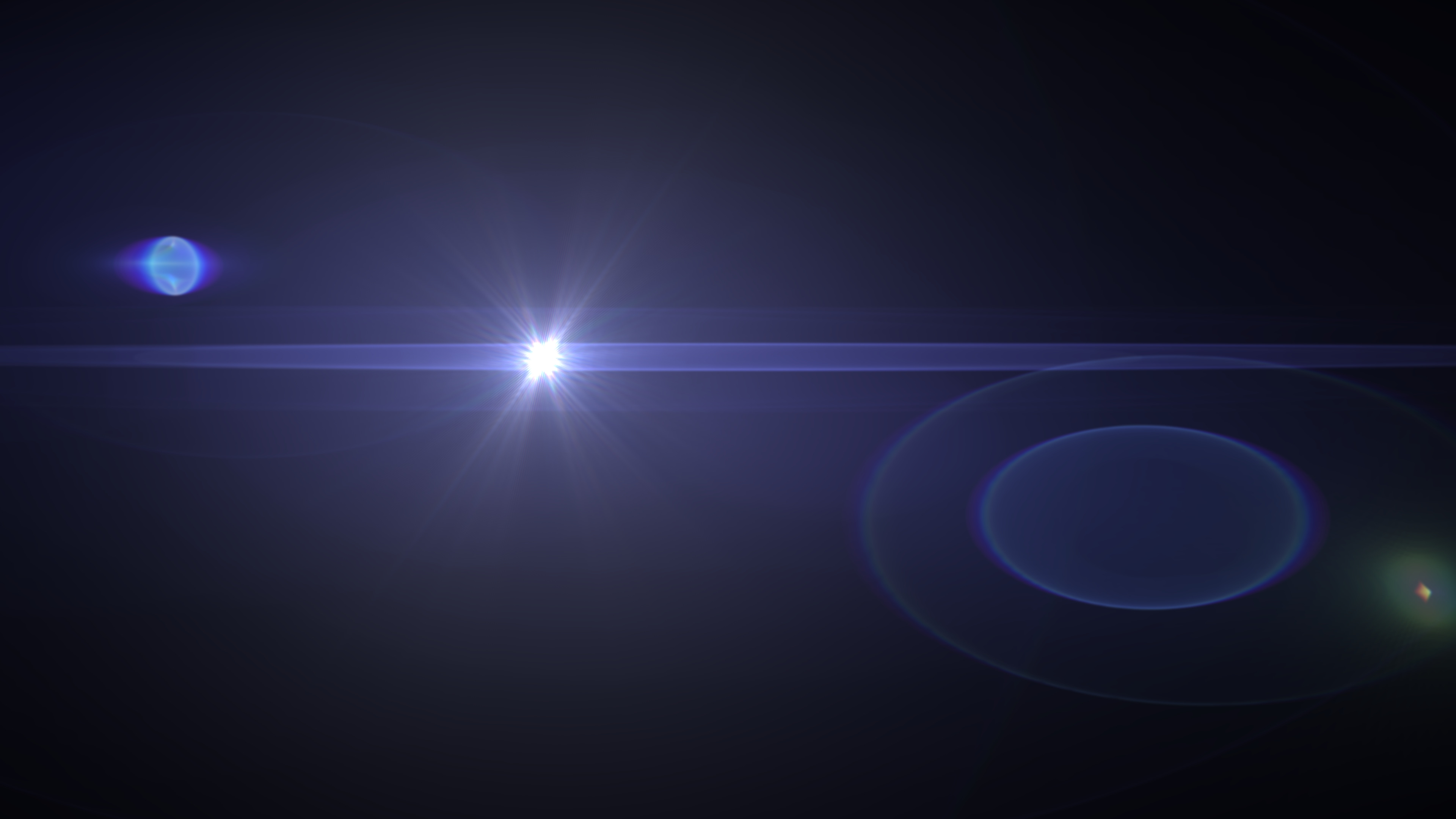
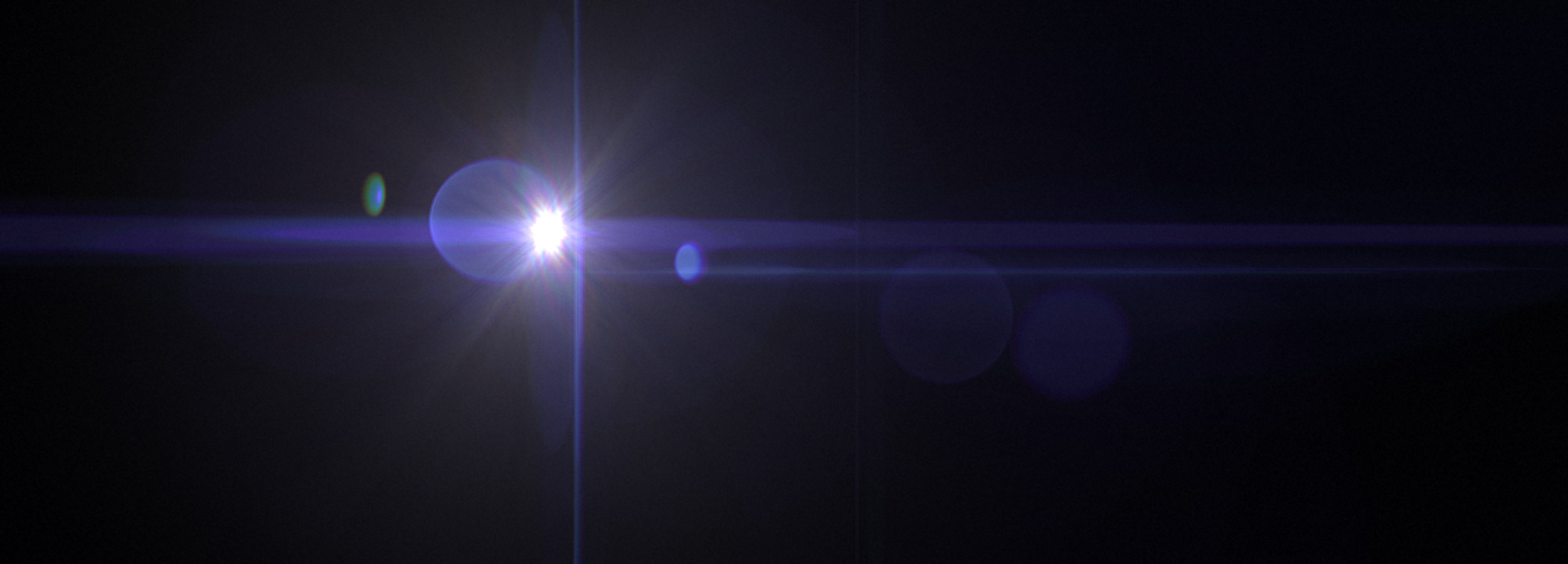
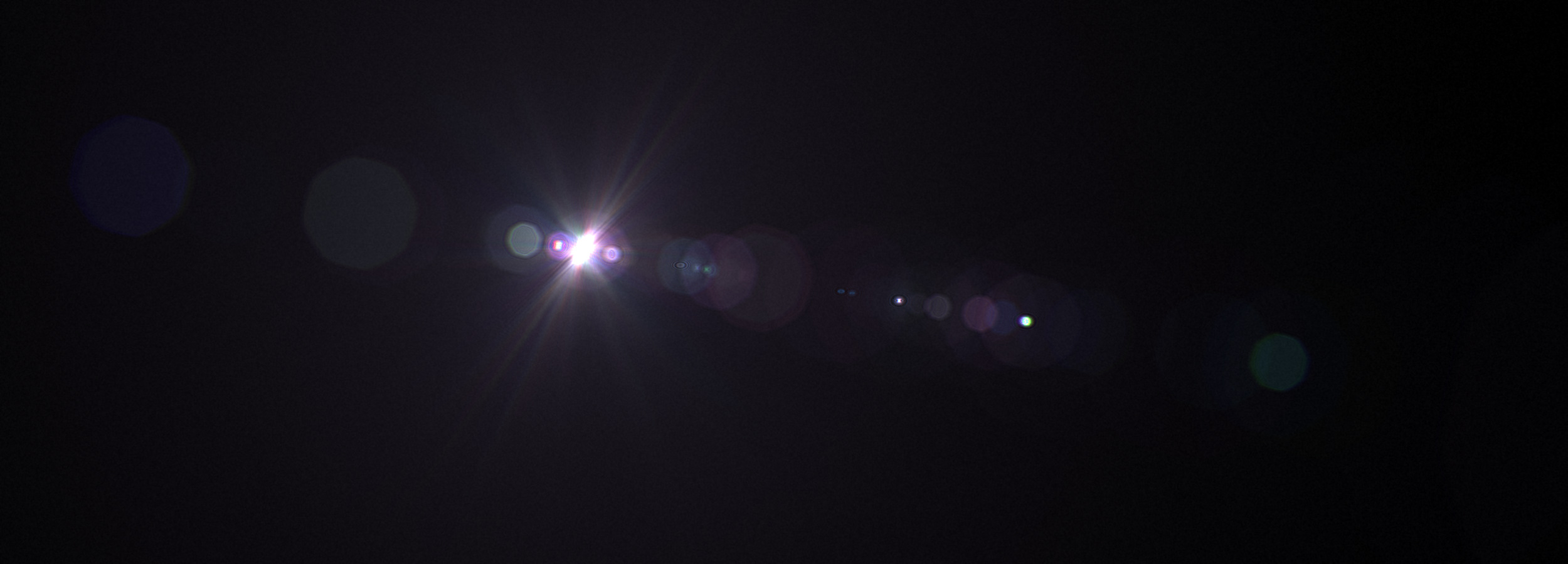
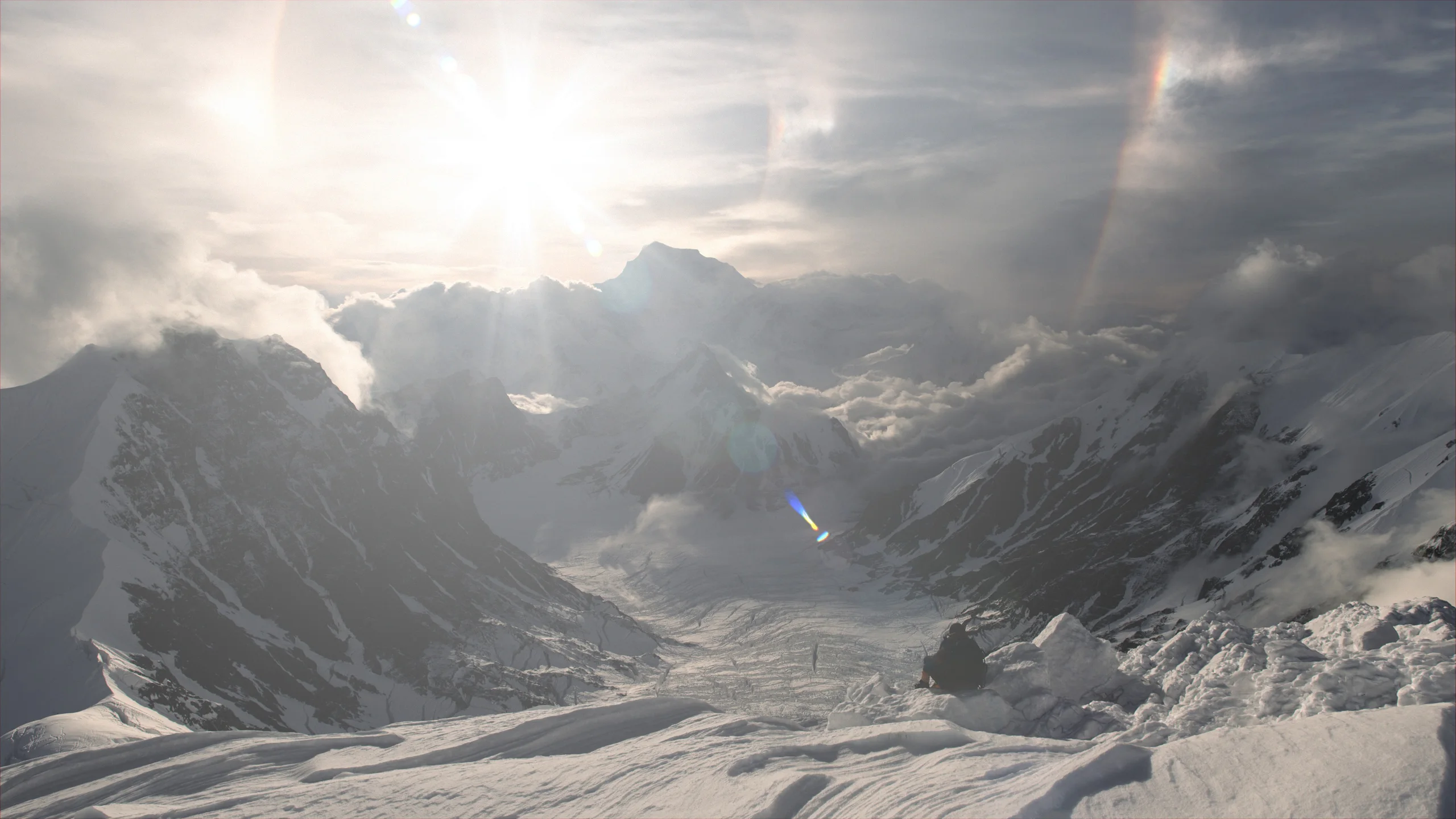
Every flare beside this text was rendered in Flares Studio, not photographed or composited from stock. Physically based optics create the behaviour of real glass, while real-time controls keep the look in your hands.
Interface
Lens Control
Edit lens elements, coatings, and individual ghosts with immediate visual feedback while keeping the rendered result in view.
Adjust optical elements, curvature, spacing, and glass behavior in real time.
Select individual ghosts and refine intensity, color, and position with precision.
Modify coatings, materials, dispersion, and thickness without leaving the host.
Select a ghost from the rendered flare itself and move straight into precise refinement.
Introduce non-axial element offsets to break perfect alignment and create natural optical character.
Shape starburst behavior interactively while keeping the rendered result visible in the editor.
Inside Flares Studio
Bring background and reference images into the editor, then shape and refine the lens system directly against the shot you are building.
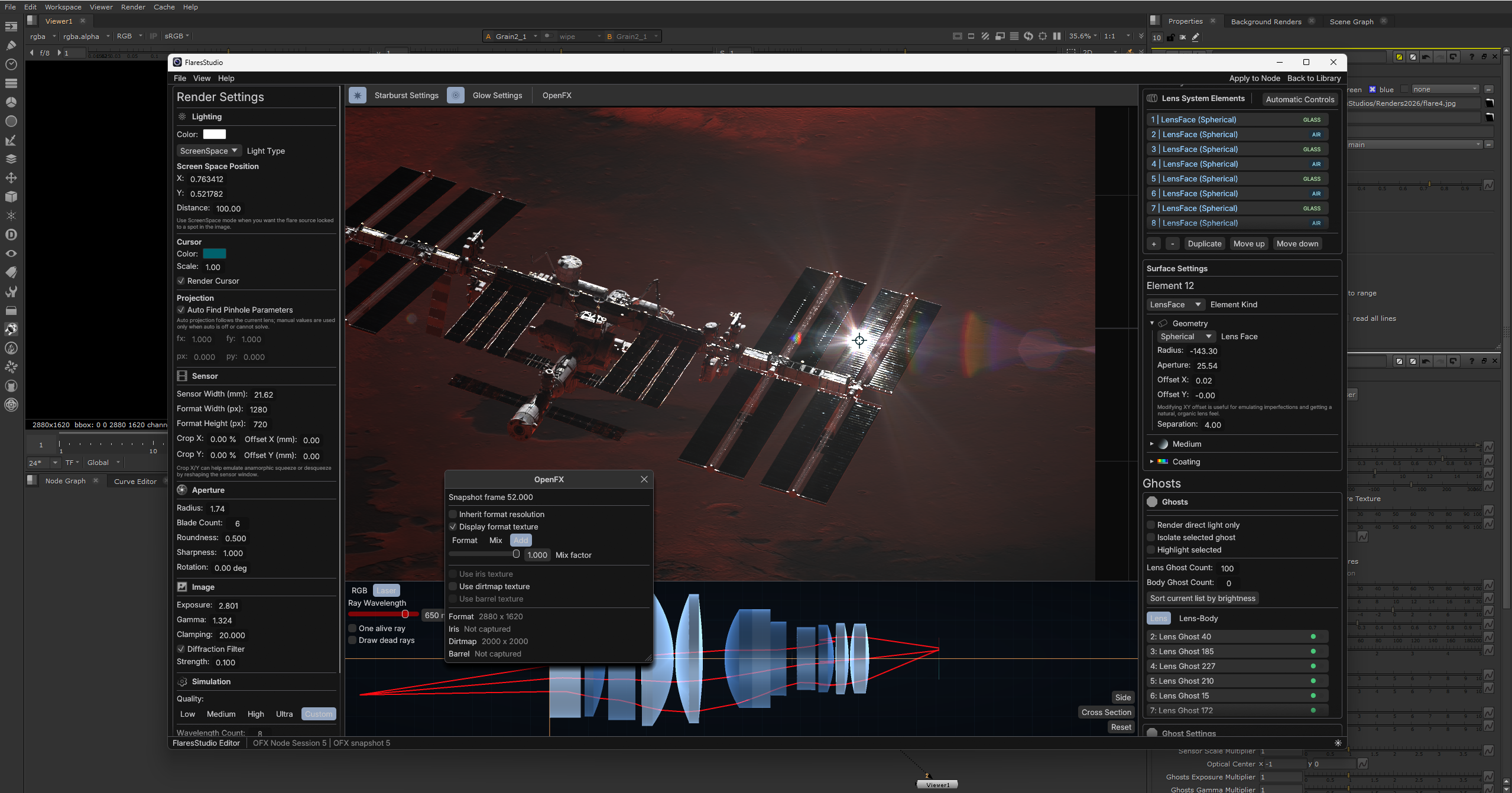
Background and reference images
Keep the source image in view while you edit lens elements, ghosts, coatings, and the final optical result.
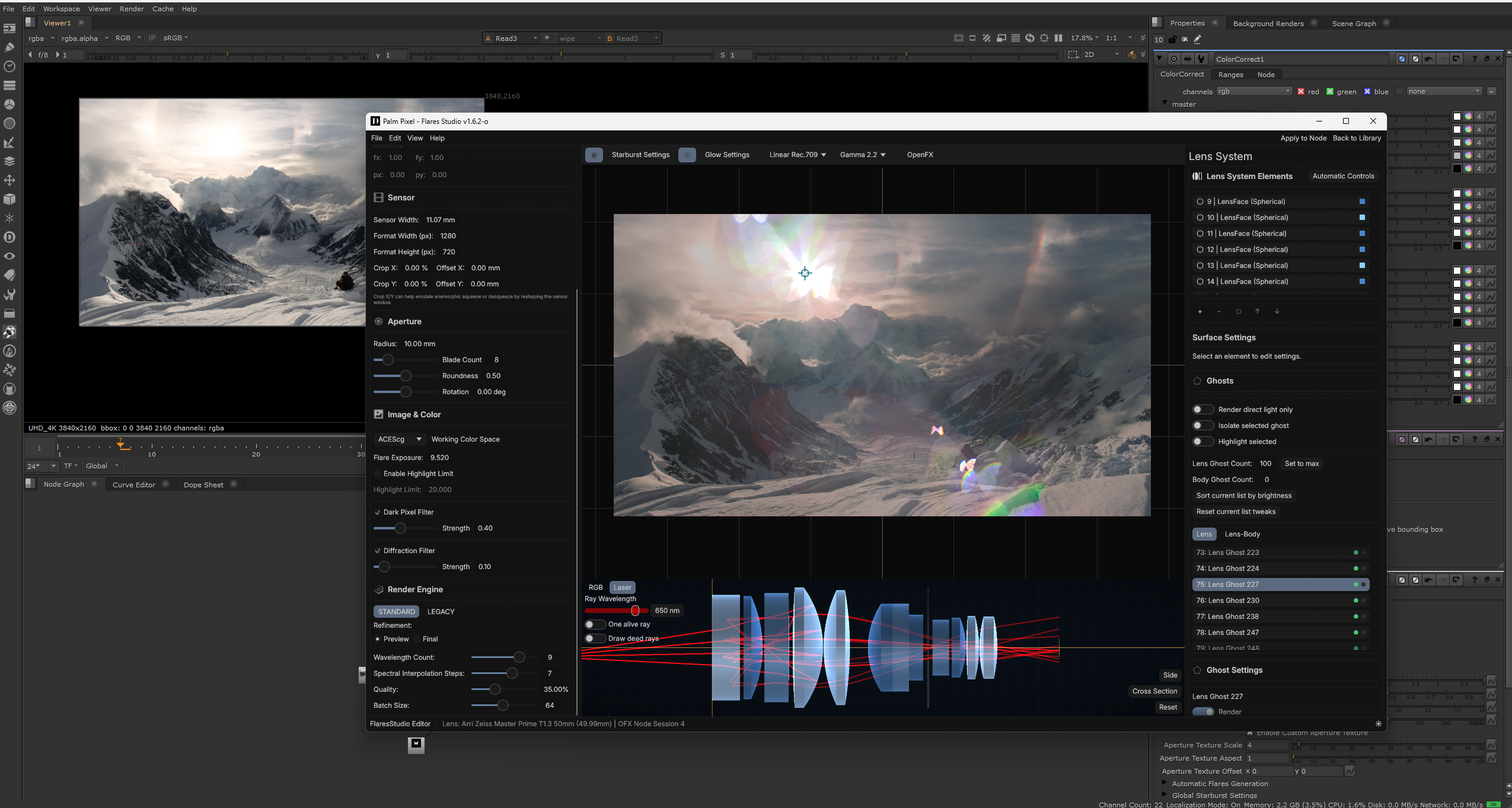
Texture inputs in context
Bring textures into the working view and evaluate how they shape the optical result without leaving the editor.
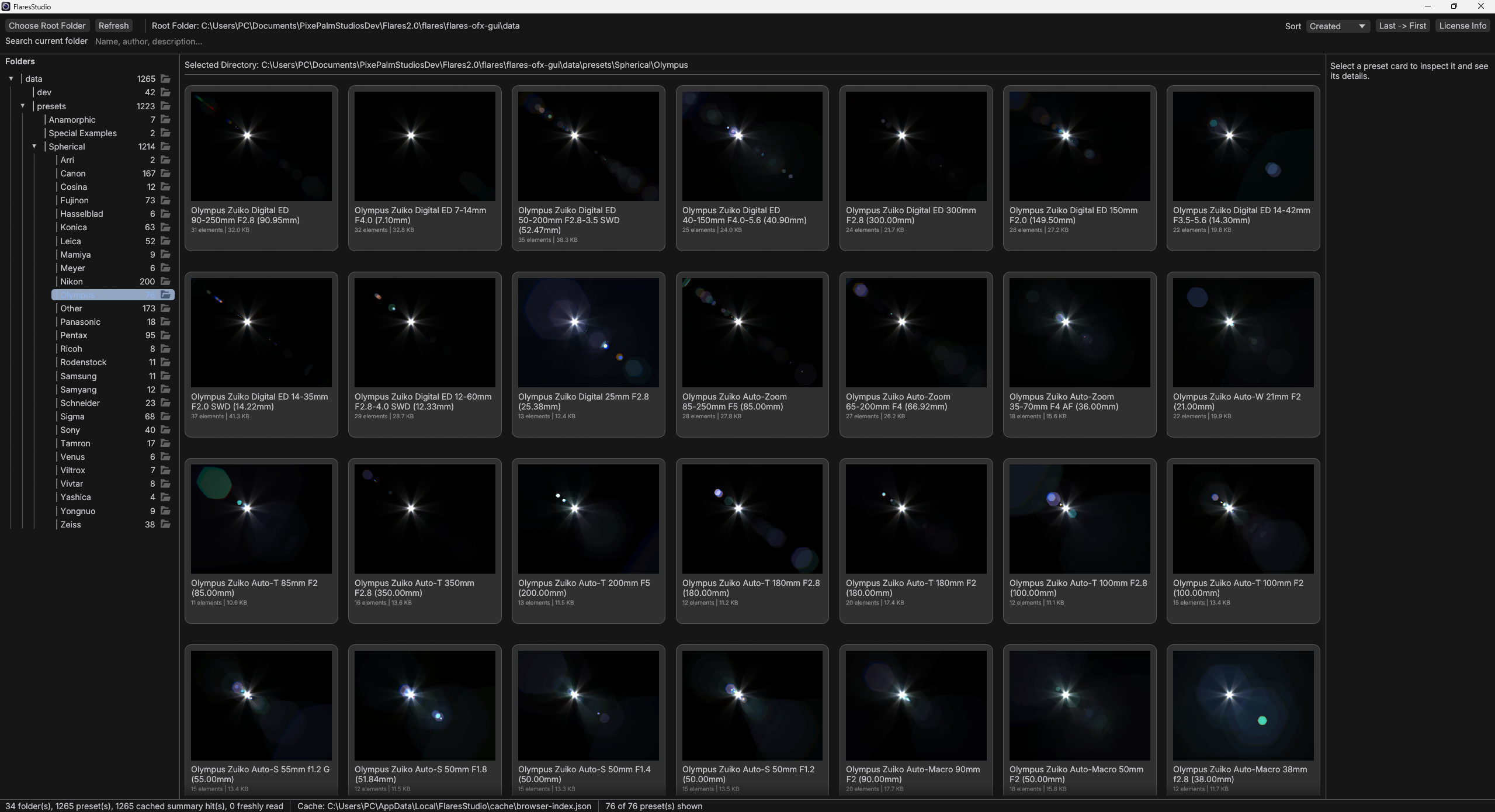
Preset Browser
Browse anamorphic optics, vintage cinema glass, modern primes, and specialty lenses through a purpose-built library for fast comparison and creative iteration.
Fast auditioningSwap looks without rebuilding a setup.
Editable opticsUse presets as a starting point, then tune the lens.
Why Physical Simulation
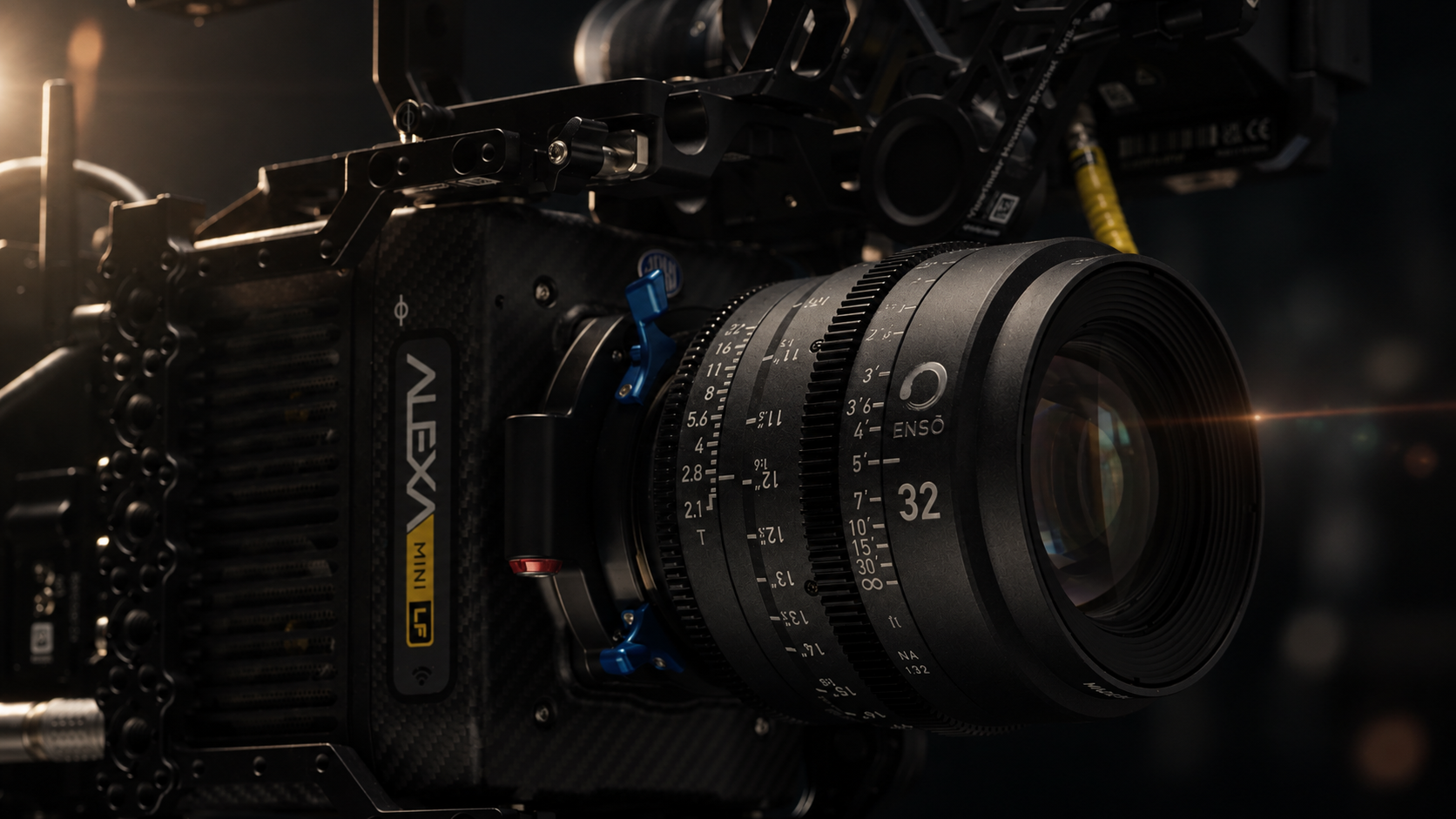
Manual flare work often means stacking sprites, masks, color tweaks, and tracking passes. Flares Studio simulates light through a multi-element lens system, so complexity becomes controllable instead of hand-painted.
Flares and ghosts emerge from lens geometry instead of flat sprite layers.
Color shifts come from dispersion through glass and coating behavior.
Aperture shape and diffraction patterns are calculated from the lens setup.
The look evolves predictably as highlights move across the frame.
Specialized Tools
Track scene highlights for natural, responsive movement without hours of manual light tracking.
Simulate ring flares created by the lens body for optical behavior beyond the conventional lens path.
Apply high-resolution dust, scratches, and dirt for authentic optical wear.
Import aperture shapes to generate custom starbursts and bokeh patterns.
Rendered Output
Build nuanced optical results with the control and fidelity demanded by finished work.
Pricing
Clear options for personal work, commercial use, small teams, and pipeline-wide deployment.
Personal use only
279 EUR
For artists learning, experimenting, or creating non-commercial personal work.
Freelancers and individual artists
379 EUR
For individual artists and freelancers working on commercial projects.
Node-locked setup
700-1200 EUR
For boutique studios or teams working on individual machines without shared licensing infrastructure.
Studio-wide deployment
3000 EUR+
For studios requiring unrestricted usage across teams, with offline and floating deployment.
Flares OFX Owner Upgrade: If you purchased Flares OFX, use code FLARES-OFX-UPGRADE to get 50% off Flares Studio.
Licenses control editor and UI access, not final project rendering.
Studios can reopen, re-render, and deliver archived projects after a studio license expires. This keeps long-term production and archival workflows predictable.
Payment is processed securely via PayPal or direct bank transfer for site license purchases. An invoice is issued upon purchase.
Showcase
Watch the showcase to see physically based lens flares shaped for modern studio workflows.
Flares Studio Showcase
Watch on YouTube