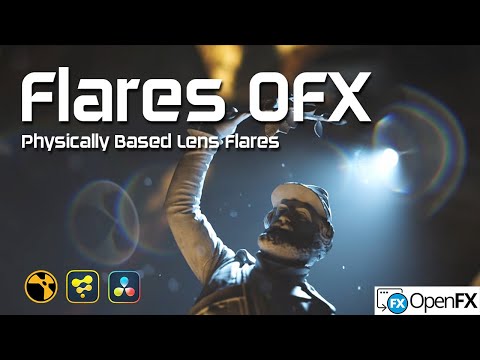
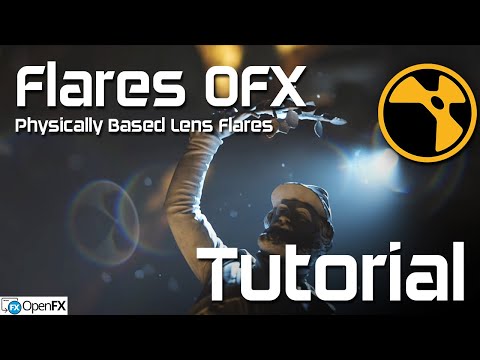
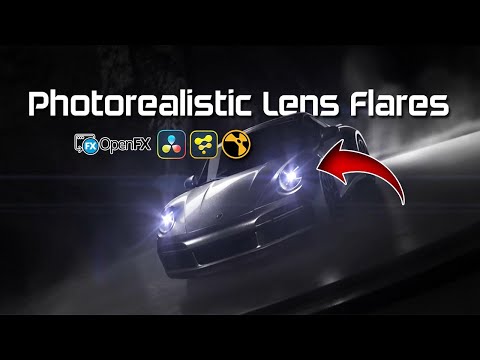
Physically Based
Optical ghosts, diffraction, coatings, and dispersion generated from real lens behavior.
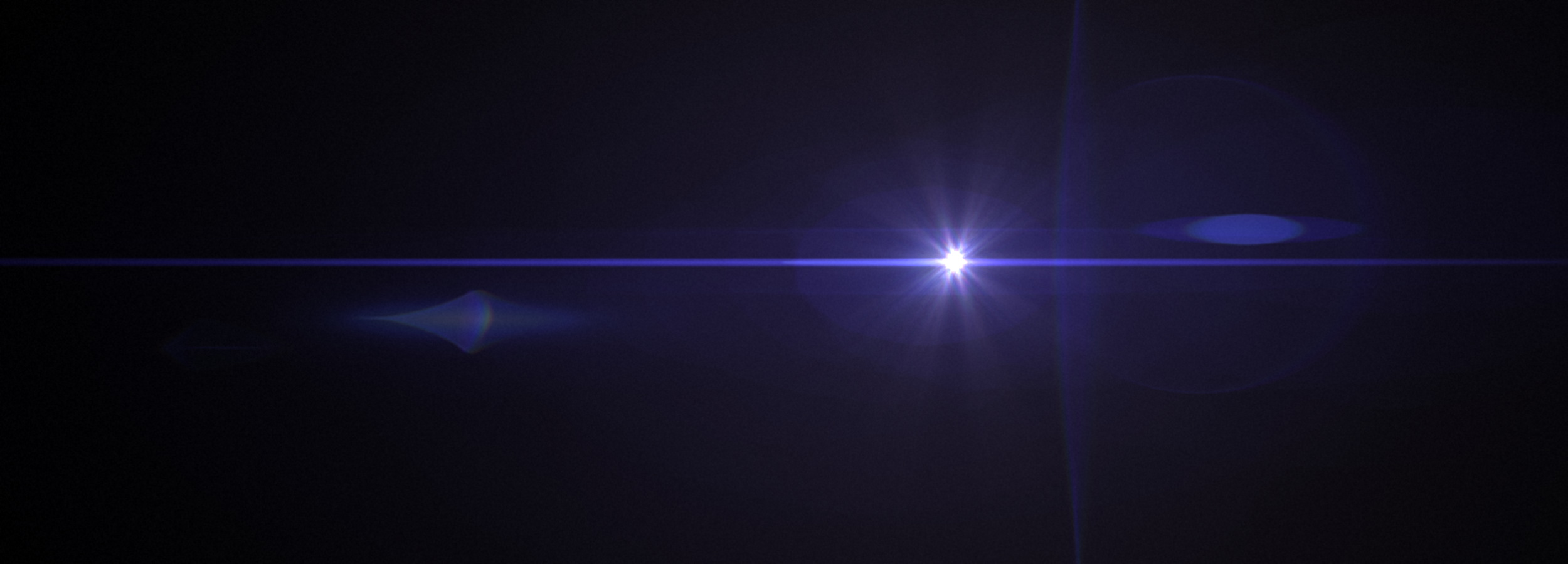
Physically based lens flare engine for OpenFX
A clean, modern tool for building cinematic flares from real optical systems instead of stacked sprites.
200+
cinema lens presets
Realtime
GPU preview workflow
OFX
Resolve, Fusion, Nuke
Production Ready
Flares OFX is a physically based cinematic flare engine engineered for film, VFX, broadcast, and high-end finishing. It gives artists believable optical behavior with controls that stay practical under deadline pressure.
 Fusion
  Nuke
Nuke  Resolve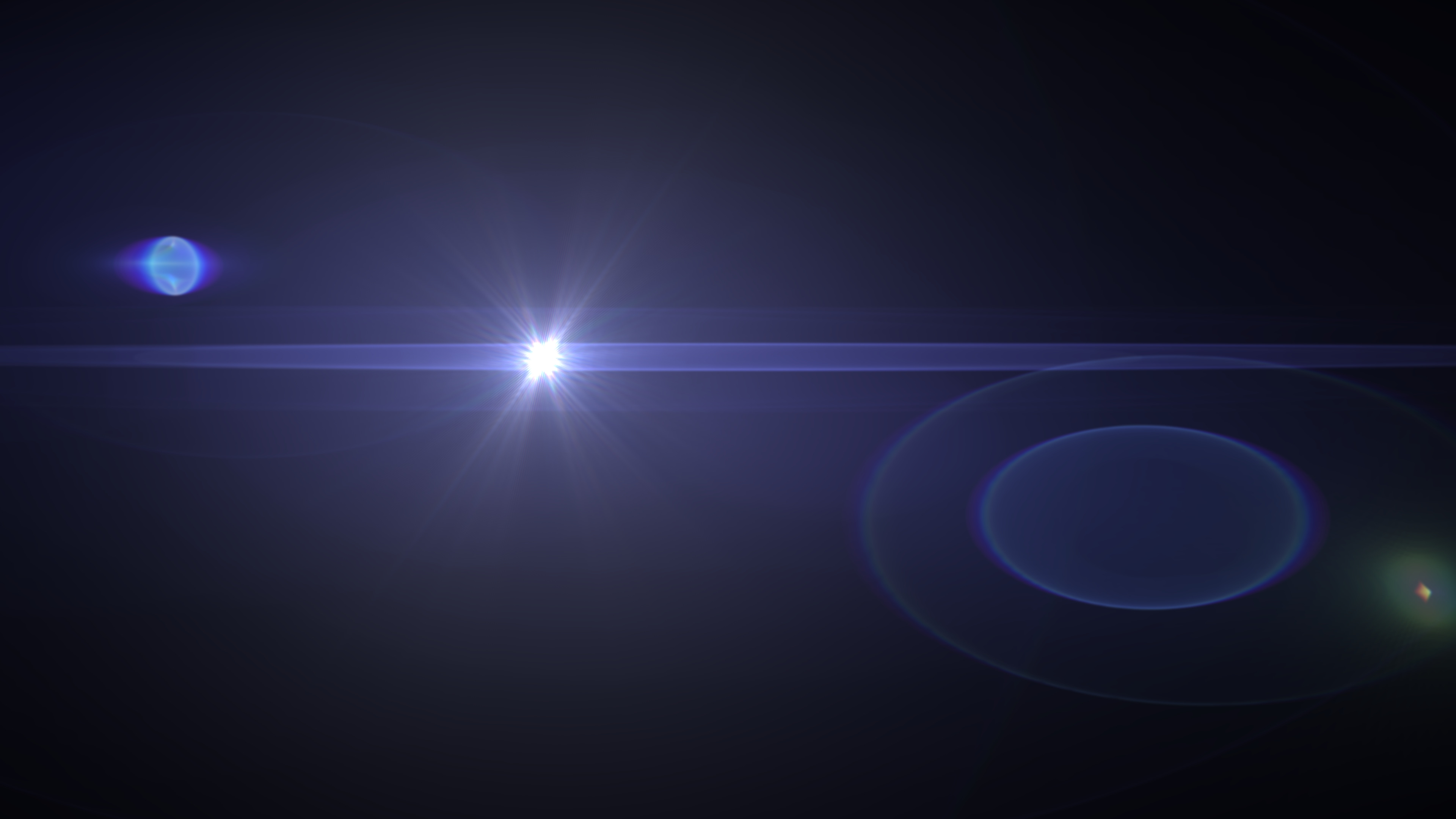
Core Engine
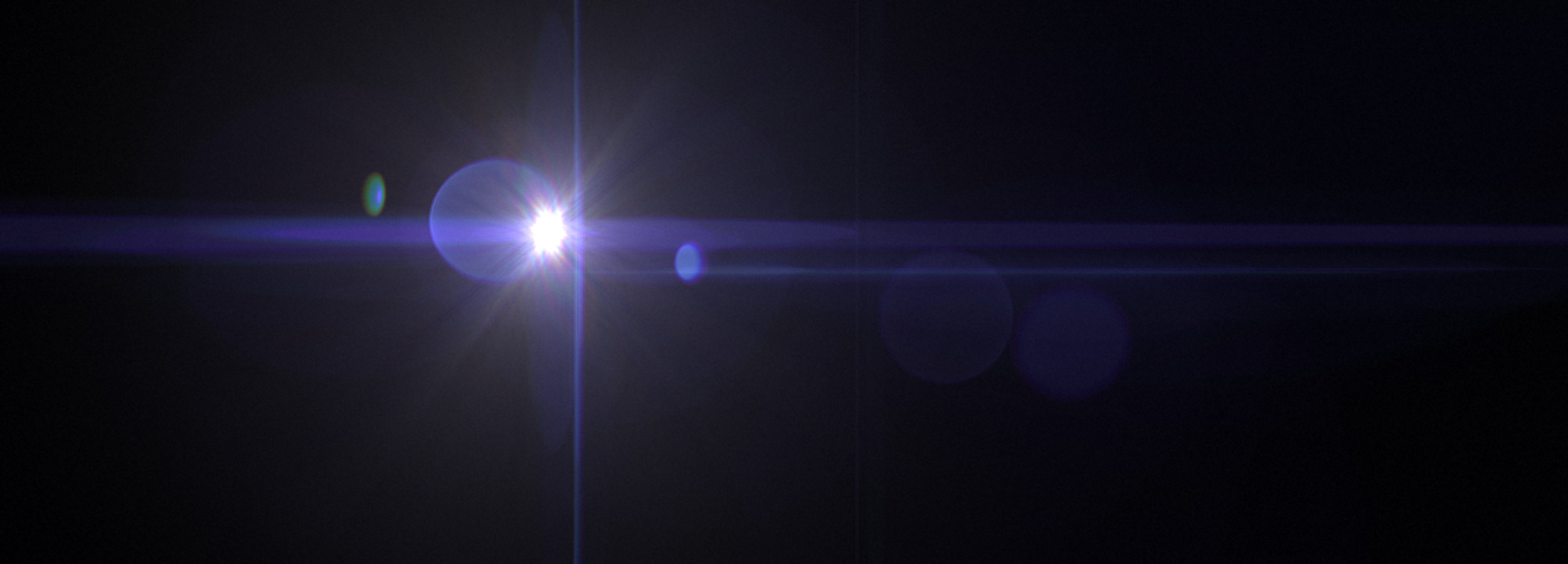
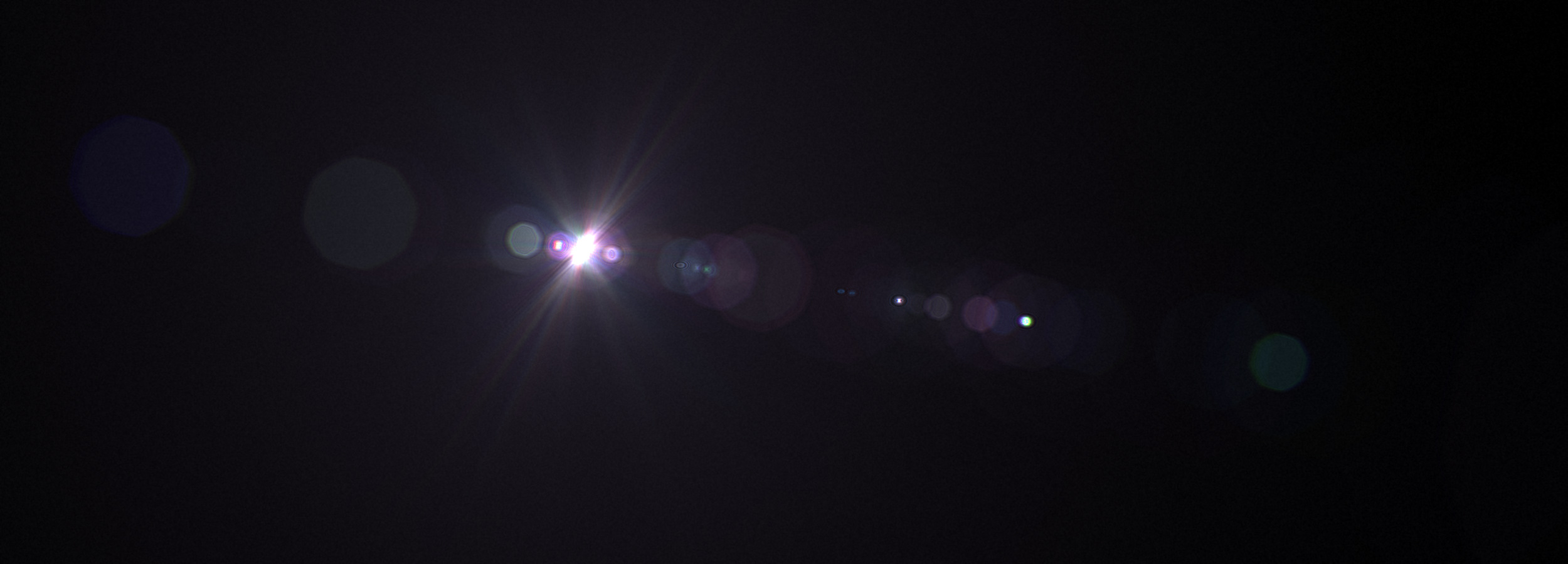
Optical ghosts, diffraction, coatings, and dispersion generated from real lens behavior.
Interactive previews and fast final renders built for modern finishing workflows.
Runs inside DaVinci Resolve, Fusion, Nuke, Natron, and OFX-supported hosts.
Results
Interface
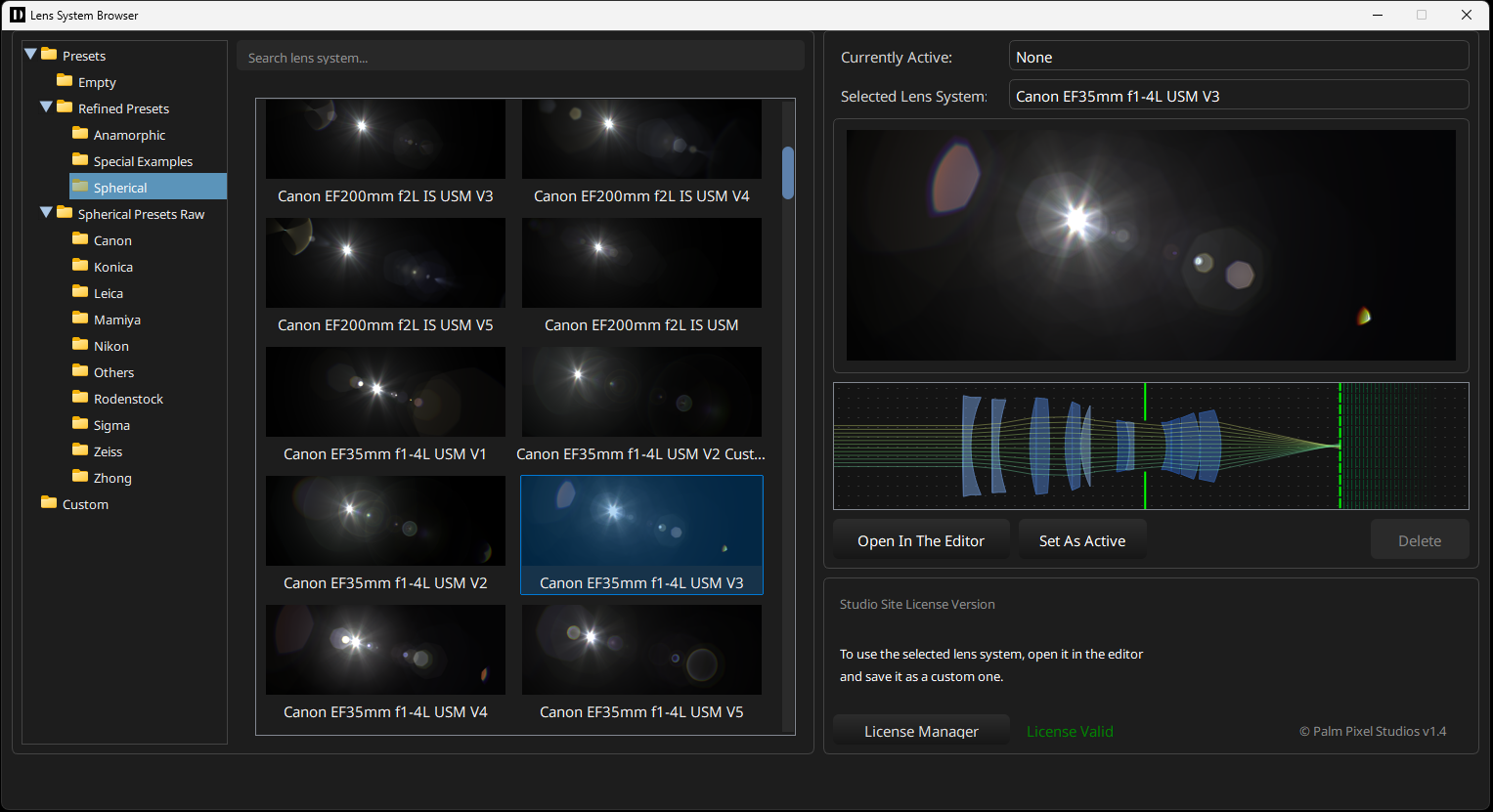
Preset Browser
Browse anamorphic optics, vintage cinema glass, modern primes, and specialty lenses with an interface built for fast comparison and creative iteration.
Fast auditioningSwap looks without rebuilding a setup.
Editable opticsUse presets as a starting point, then tune the lens.
Lens Control
Edit lens elements, coatings, and individual ghosts with immediate visual feedback, while still leaving room for art direction.
Adjust optical elements, curvature, spacing, and glass behavior in real time.
Select individual ghosts and refine intensity, color, and position with precision.
Modify coatings, materials, dispersion, and thickness without leaving the host.
Why Physical Simulation
Manual flare work often means stacking sprites, masks, color tweaks, and tracking passes. Flares OFX simulates light through a multi-element lens system, so complexity becomes controllable instead of hand-painted.
Flares and ghosts emerge from lens geometry instead of flat sprite layers.
Color shifts come from dispersion through glass and coating behavior.
Aperture shape and diffraction patterns are calculated from the lens setup.
The look evolves predictably as highlights move across the frame.
Specialized Tools
Track scene highlights for natural, responsive movement without hours of manual light tracking.
Reproduce flare blocking, edge cutoff, and physical matte box behavior.
Apply high-resolution dust, scratches, and dirt for authentic optical wear.
Import aperture shapes to generate custom starbursts and bokeh patterns.
Pricing
Clear options for personal work, commercial use, small teams, and pipeline-wide deployment.
Personal use only
279 EUR
For artists learning, experimenting, or creating non-commercial personal work.
Freelancers and individual artists
379 EUR
For individual artists and freelancers working on commercial projects.
Node-locked setup
699-1699 EUR
For boutique studios or teams working on individual machines without shared licensing infrastructure.
Studio-wide deployment
3000 EUR+
For studios requiring unrestricted usage across teams, with offline and floating deployment.
Licenses control editor and UI access, not final project rendering.
Studios can reopen, re-render, and deliver archived projects after a studio license expires. This keeps long-term production and archival workflows predictable.
Payment is processed securely via PayPal or direct bank transfer for site license purchases. An invoice is issued upon purchase.
Learn
See what is possible, then dig into practical workflows for production hosts.